
Diablo: Immortal is now live at Codashop!
To top-up the Eternal Orbs to your Diablo: Immortal account, please follow the steps below:
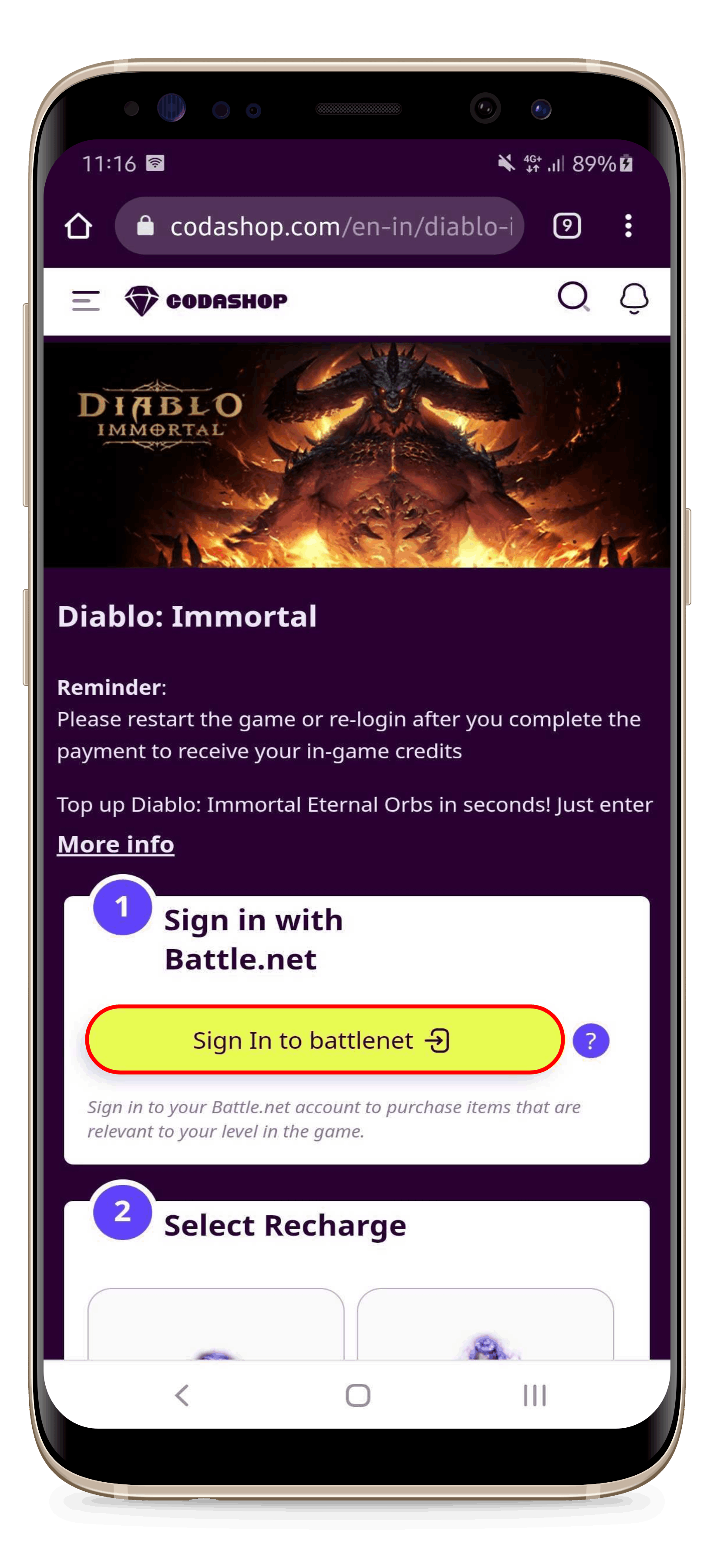 |
1. Open the Codashop website and choose Diablo: Immortal game; You have to Sign In to your Battle.net account. Click the yellow Sign In button; |
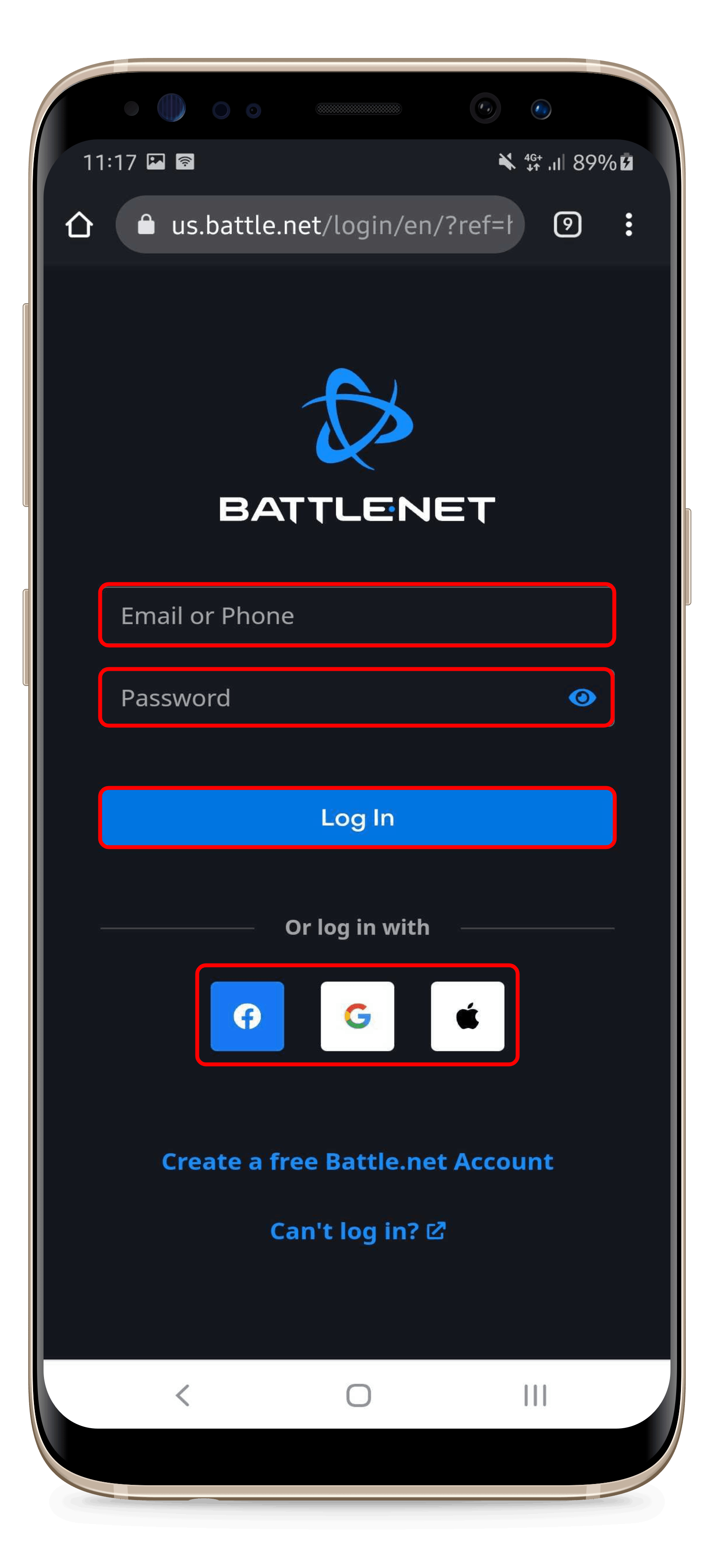 |
2. Enter your email address or phone number, then enter your password to log in to your Battle.net account;
*you can also log in with your Facebook, Google, or Apple ID; |
 |
3. Click the "Allow" button to continue; |
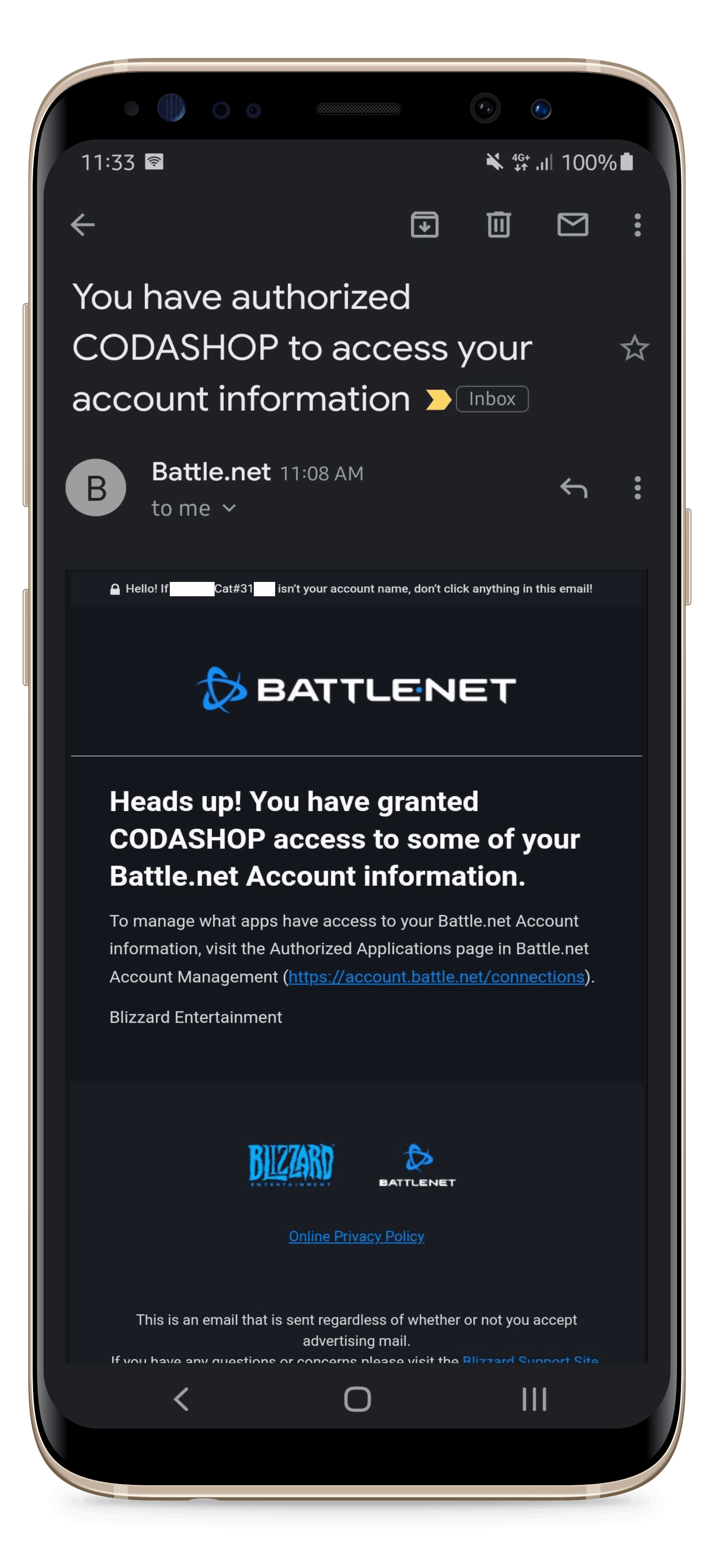 |
4. You will be receiving this email as written information that you have granted Codashop access to your Battle.net account information; |
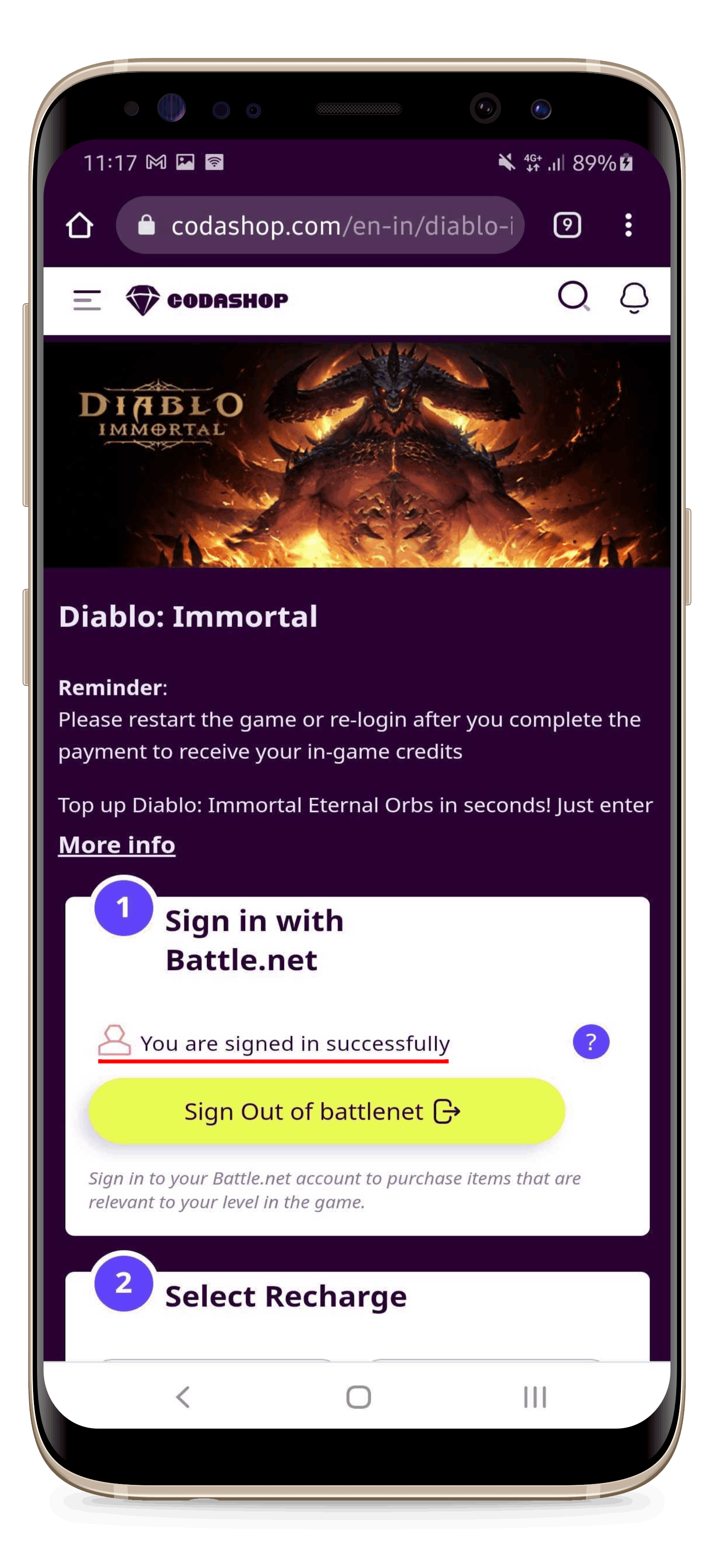 |
5. Once you're successfully logged in, you will see this info and you can continue your purchase; |
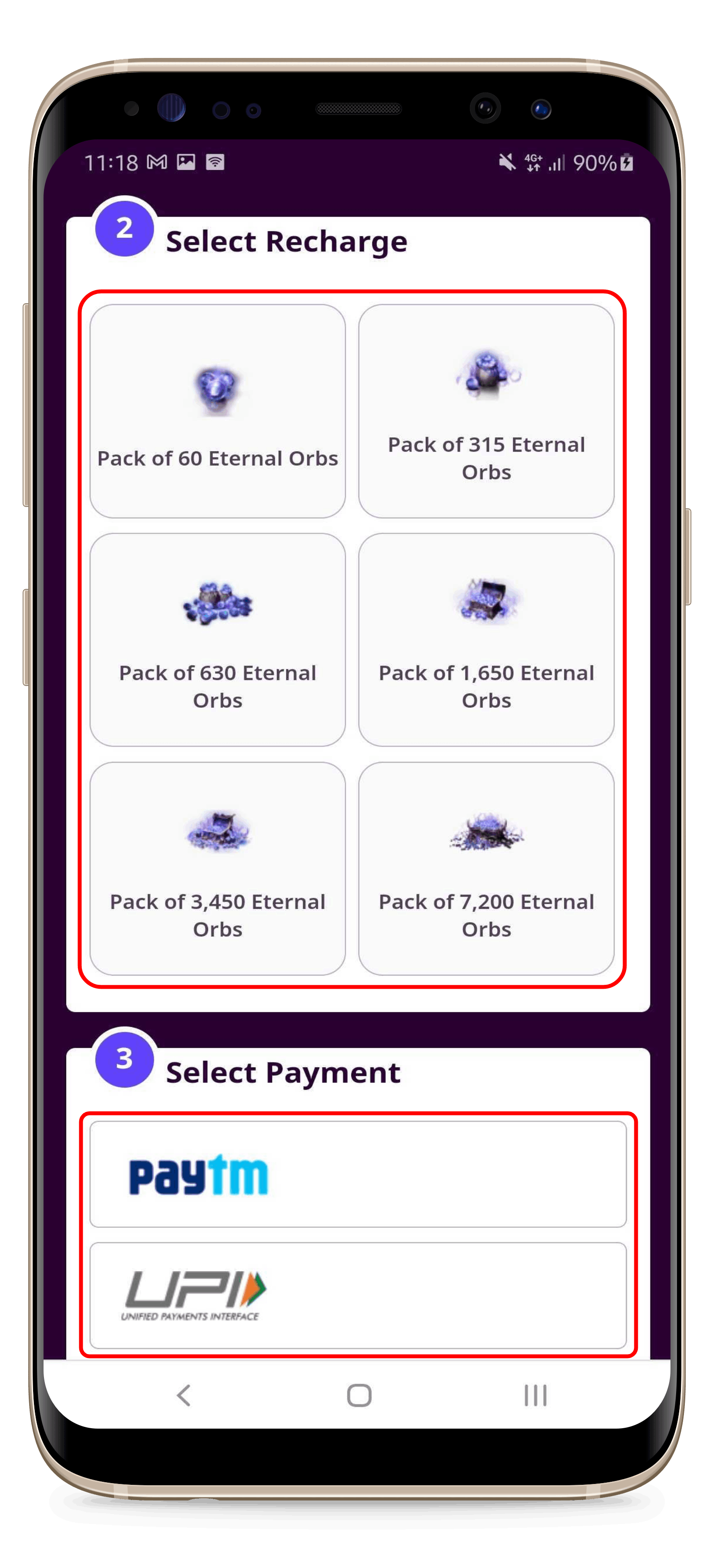 |
6. Select the Eternal Orbs amount and the Payment Method you want; |
 |
7. Enter your email address and click the "Buy Now" button; Then you can continue and finish your payment.
*Note: |